
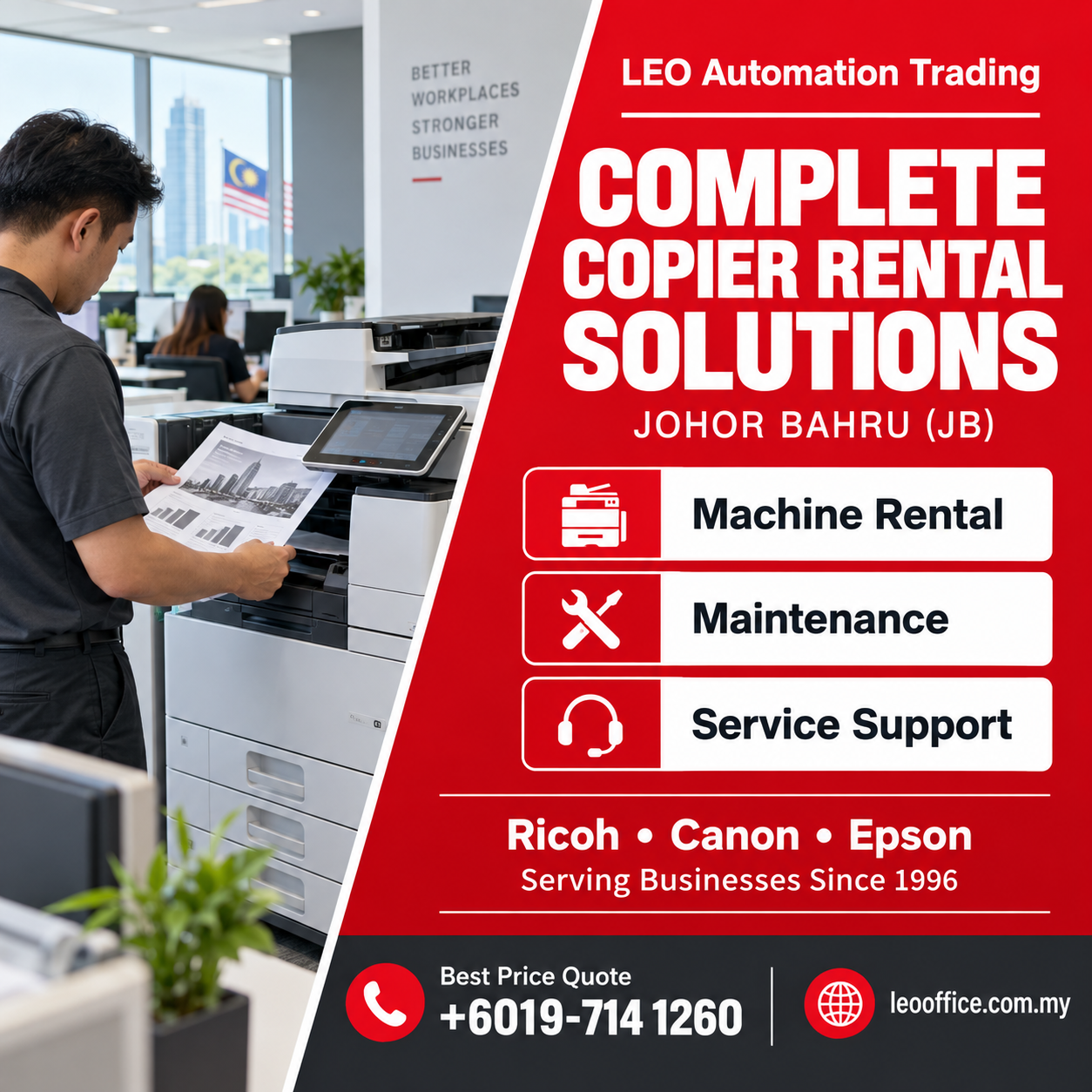
Complete Copier Rental Solutions in JB: Machine, Maintenance & Service Support
Simplify office printing with LEO Automation Trading in Johor Bahru, combining suitable copier machines, professional maintenance and technical support to help businesses manage everyday documents confidently through practical rental solutions.
One practical approach to office printing
LEO Automation Trading has served businesses in Johor Bahru since 1996, providing copier machine rental, sales, servicing and office equipment solutions. Our approach connects equipment selection with maintenance and ongoing technical assistance, helping businesses plan beyond the machine itself.
A complete copier arrangement starts with understanding your document workload and agreeing on support responsibilities. Machine specifications, consumables, servicing and repairs should be confirmed in your individual agreement. This helps your office understand what is included and how to request assistance.
Three essentials for a dependable rental arrangement
- The right machine. Match paper size, colour requirements, monthly volume and shared access to the way your office operates.
- Professional maintenance. Discuss preventive servicing and inspections that address paper handling, output quality and developing technical issues.
- Clear service support. Know how to report faults, which details to provide and what assistance your agreement covers.
Benefits that matter during a busy working day
Simpler coordination
Discuss equipment and technical requirements with one provider instead of treating every printing issue as a separate purchasing decision.
Better workflow fit
Choose useful capabilities without assuming the largest or fastest machine is necessary for your team.
More informed planning
Clarify maintenance responsibilities, daily care and support procedures before the copier becomes part of your routine.
Compare the parts of your rental solution
| Service area | What to discuss | Question to ask |
|---|---|---|
| Machine selection | Paper size, volume and functions | Does the configuration match our documents? |
| Preventive maintenance | Condition checks and servicing | Which maintenance tasks are included? |
| Troubleshooting | Fault assessment and practical guidance | How should staff report a problem? |
| Repair support | Diagnosis and corrective work | Which repairs and parts are covered? |
| Consumables | Toner or ink and other supplies | Who supplies and replaces each item? |
Ricoh, Canon and Epson equipment options
Explore Ricoh, Canon and Epson machines according to your printing requirements. Compare monochrome output for routine paperwork, colour capabilities for presentations and suitable A4 or larger-format configurations. Specifications and available functions differ by model.
Discuss models such as the Ricoh MP5055, Ricoh IMC5500, Canon ADV C5250 and Epson AM C400. Confirm current availability, exact specifications, rental eligibility and installed options with our team before making your selection.
SEO Keywords Tag
Practical applications across Johor Bahru businesses
These everyday applications illustrate suitable workflows; they are not claims about completed client projects.
- Logistics and distribution: Print delivery paperwork and scan signed acknowledgements into organised records.
- Accounting and professional services: Copy supporting documents and digitise files for authorised staff.
- Education and training centres: Prepare learning materials, registration forms and administrative documents.
- Manufacturing offices: Handle purchasing records, internal instructions and supplier correspondence.
- Property and retail businesses: Produce proposals, application forms and operational notices.
Installation from assessment to handover
- Assess usage. Review document volume, paper formats, operating systems and scanning destinations.
- Prepare the location. Check ventilation, clearance, suitable electrical supply and network access.
- Configure the equipment. Coordinate network settings and compatible drivers with authorised office IT personnel.
- Test actual tasks. Check print quality, paper feeding and supported duplex or scanning functions.
- Guide the users. Explain daily controls, paper loading and the agreed fault-reporting procedure.
Good setup includes matching tray settings to the loaded paper and testing typical office documents. Where supported, stable network addressing helps computers locate the copier consistently. Scan destinations require appropriate permissions and authentication. Review administrator access and available security controls with your IT team; capabilities vary between models.
Daily care and effective fault reporting
Keep paper dry, use compatible media and avoid overfilling trays. Follow the manufacturer’s instructions for clearing accessible jams. For recurring faults, record the error code, affected function and whether one or several users experience the problem.
A useful report might explain that copying works but computer printing fails, or that marks appear only when using the document feeder. These observations help narrow the issue. Avoid opening internal service areas or attempting repairs beyond the user instructions.
Wider support for your workplace
LEO Automation Trading also supplies new and suitable copier machines, office automation equipment, communication systems and practical office furnishings. We help businesses select equipment around their requirements and budget, supported by servicing, maintenance, troubleshooting, repairs and after-sales technical assistance.
Clear up common misunderstandings
- “Complete means unlimited coverage.” Inclusions and exclusions depend on the agreement; confirm consumables, parts and support responsibilities.
- “Maintenance is needed only after failure.” Preventive checks can identify developing issues before they disrupt everyday work.
- “Any copier will suit every office.” Paper handling, supported functions and workload suitability differ across configurations.
Frequently asked questions
01 · What does a complete copier rental solution include?
It brings together machine selection, maintenance planning and service support. Confirm the exact equipment, consumables, repair coverage and responsibilities in your agreement.
02 · Who provides copier rental and maintenance in Johor Bahru?
LEO Automation Trading provides copier rental, sales, servicing and office equipment solutions for Johor Bahru businesses and has served the area since 1996.
03 · Can I discuss Ricoh, Canon and Epson copier options?
Yes. Ask about Ricoh, Canon and Epson equipment, and confirm model availability, installed functions and rental suitability before choosing a machine.
04 · How is preventive maintenance different from repair work?
Preventive maintenance checks equipment condition and addresses developing issues. Repair work investigates and corrects a fault that is already affecting operation.
05 · Are toner, ink and replacement parts automatically included?
Do not assume they are included. Ask which consumables and parts are covered, who arranges replacements and what conditions apply to your agreement.
06 · What information helps the team recommend a copier?
Provide your monthly document volume, paper sizes, colour needs, user numbers, scanning requirements and office location so equipment suitability can be assessed.
07 · Can installation include network printing and scanning setup?
Discuss these requirements before installation. Setup depends on the selected model, supported functions, network environment and access approved by your office IT team.
08 · What should I do when the copier displays an error?
Record the error code and affected task, follow safe user instructions and contact support. Report recurring faults rather than repeatedly attempting the same operation.
09 · Can small offices use a shared multifunction copier?
Yes, when the model and configuration suit the workload. Consider available space, connectivity, paper requirements and the functions your staff actually need.
10 · How do I enquire about a complete rental arrangement?
Select Best Price Quote to WhatsApp +6019-714 1260. Share your Johor Bahru office location, document requirements and the support you want to discuss.
Plan your next copier arrangement
Speak with LEO Automation Trading about a suitable machine, maintenance scope and practical service support for your Johor Bahru office.
Client Reviews
Fictional examples only — not verified customer feedback.
Kulai, Johor · Fictional example
The equipment discussion helped our team clarify printing priorities. We appreciated learning which functions suited our paperwork and how to describe issues when requesting assistance.
Bangi, Selangor · Fictional example
Our staff found the operating explanation easy to follow. Clear guidance on loading paper and using supported functions made the demonstration useful for different colleagues.
Butterworth, Penang · Fictional example
We appreciated the practical conversation about maintenance responsibilities. Understanding the proposed arrangement helped our office evaluate equipment needs with greater confidence and fewer unanswered questions.
Alor Setar, Kedah · Fictional example
The discussion about scanning destinations was particularly helpful for our administration team. We understood the setup requirements better and could prepare the relevant information beforehand.
Kuantan, Pahang · Fictional example
Our office valued the focus on everyday documents rather than unnecessary features. The consultation helped us identify suitable paper handling and shared printing requirements.
Sibu, Sarawak · Fictional example
The explanation of basic care was clear and practical. Our colleagues appreciated understanding which checks users could perform and when to ask for technical help.
Kuala Terengganu, Terengganu · Fictional example
We liked comparing the different parts of the proposed rental arrangement. Discussing equipment and support together helped us organise our questions and expectations more clearly.
Sandakan, Sabah · Fictional example
The workflow review encouraged us to think carefully about colour printing and document volume. We appreciated receiving straightforward explanations that our whole office could understand.
Kangar, Perlis · Fictional example
Our team found the handover guidance useful for routine document tasks. Knowing what information to record during a fault made the support process easier to understand.